单盘位的OEC/OECT已经可以刷飞牛好几天了,那么今天OES它也来了
感谢矿渣群友提供的固件和刷机方式

首先刷底包,拆机短接后使用USB_Burning_Tool刷入ubuntu-emcc.img底包
刷好后电脑和OES用一根网线连着开机 电脑设置IP为192.168.1.x网段,比如192.168.1.2
打开SSH工具输入192.168.1.200 登录名:root 密码:root
执行命令
fw_setenv xl_softmode  "usermode"
fw_setenv upgrade_step 3

poweroff
然后用balenaEtcher把fnos_Mainland-PE_arm_1.0.0_onethingcloud-oes_257.img固件刷入到U盘,
OES插U盘 插电开机 就会自动启动U盘里面的飞牛
进去一通设置
登录SSH 输入sudo -i切换root用户,输入命令把系统DD到EMMC
bash install-to-emmc.sh
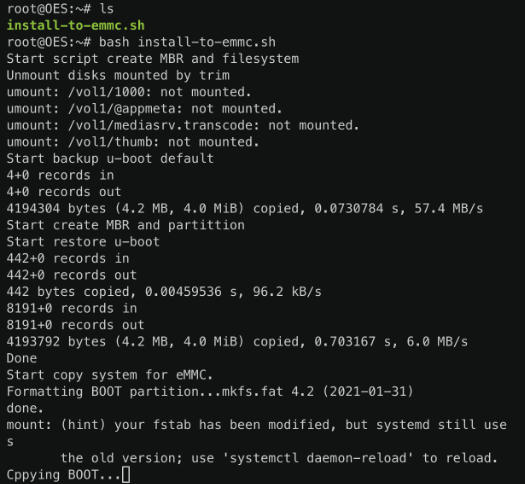
完事后关机拔掉U盘在开机就可以了。
可以安装提供的离线影视、相册包
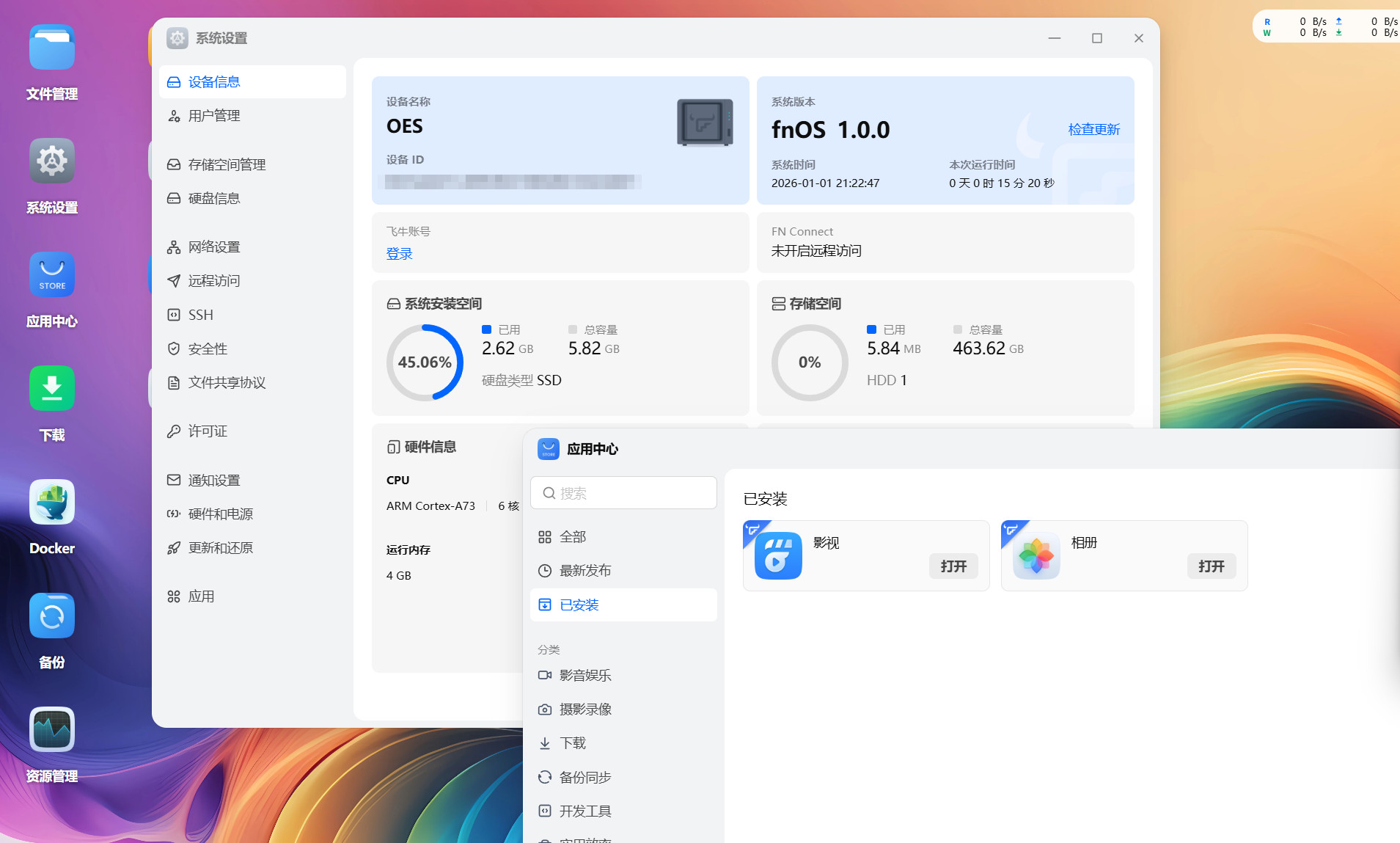
飞牛OS下载地址:https://pan.quark.cn/s/751d3d70c06e
底包的下载地址:https://github.com/ophub/kernel/releases/tag/tools
U盘armbian系统:https://github.com/ophub/amlogic-s9xxx-armbian/releases
U盘 openwrt系统:https://github.com/ophub/amlogic-s9xxx-openwrt/releases
本文作者为dwf135,转载请注明。